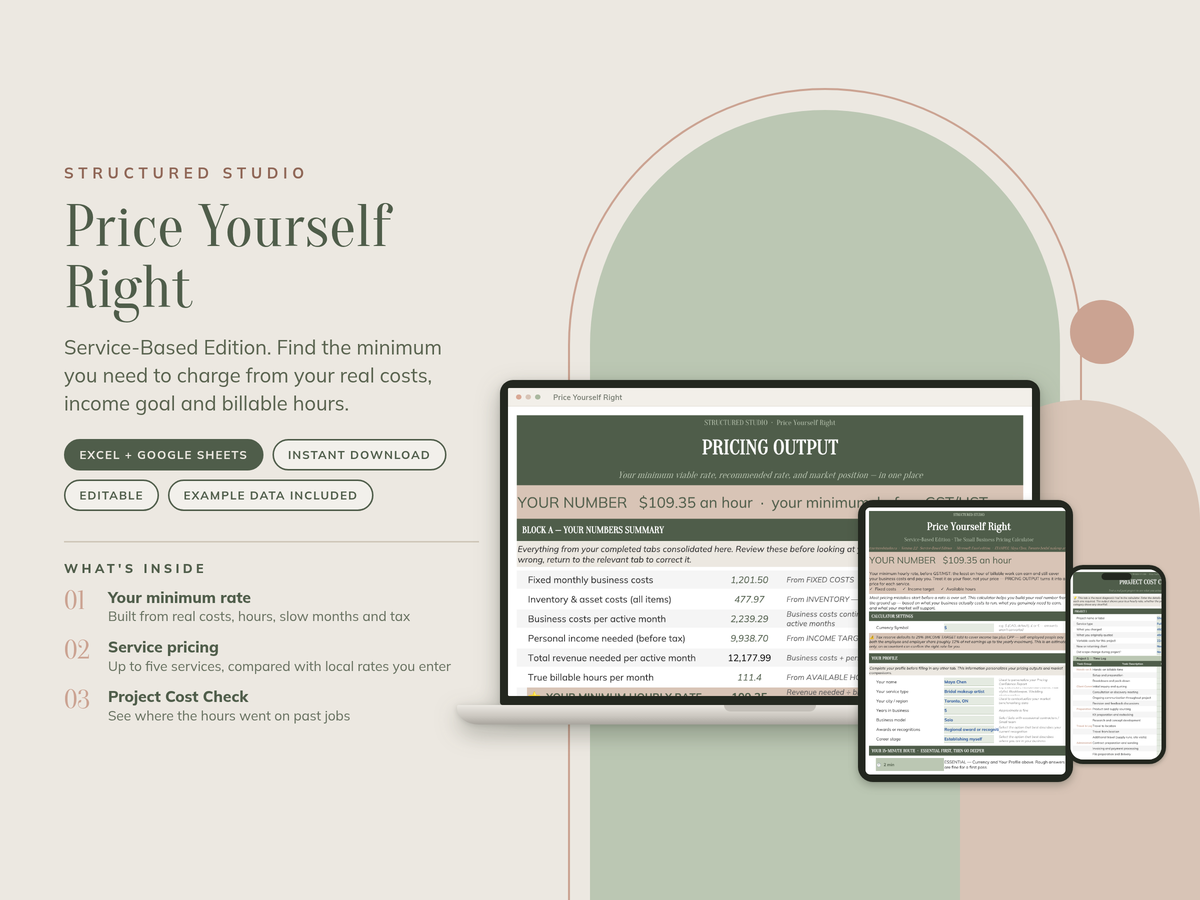
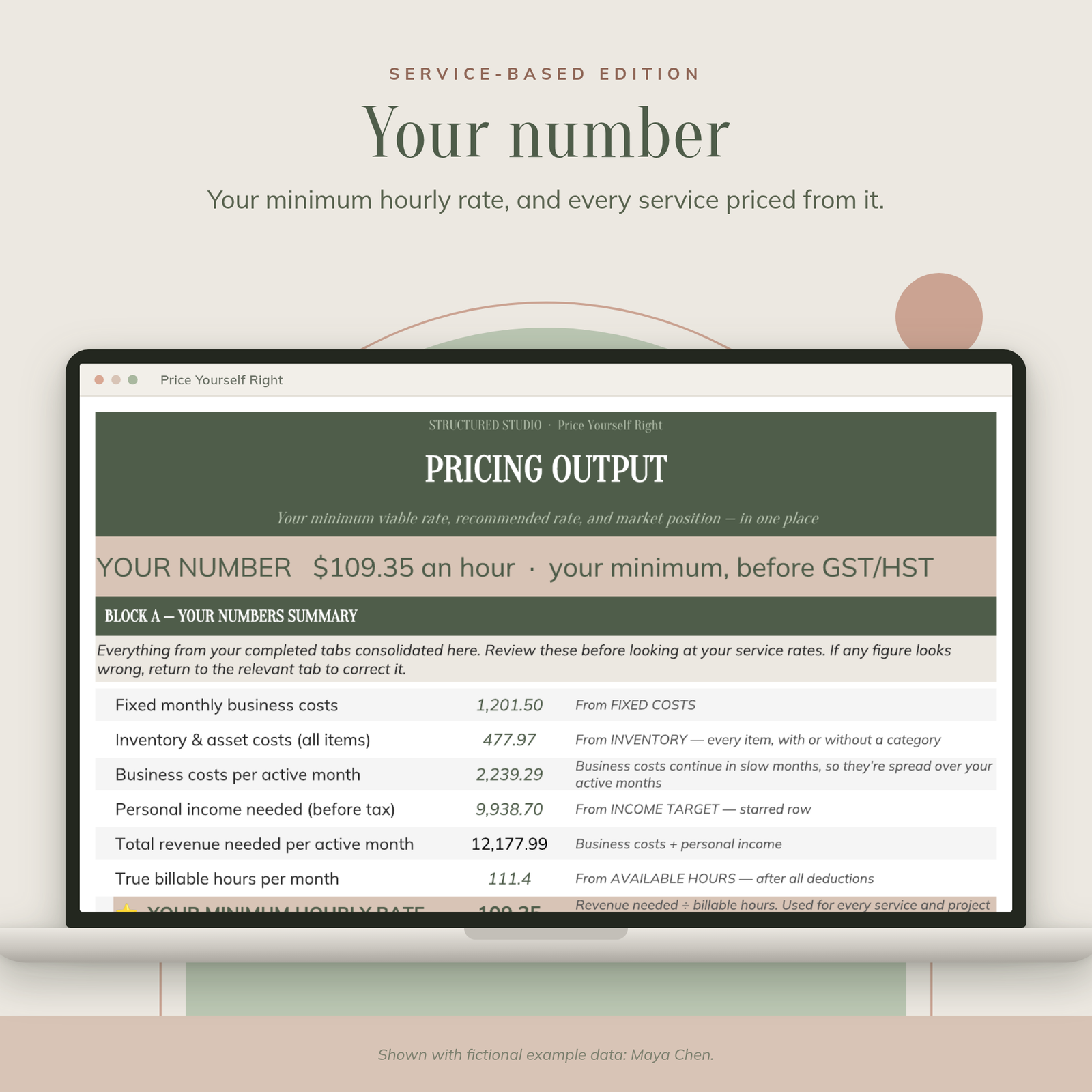
We built Price Yourself Right to answer one question: what is the least you can charge and still run a healthy business? You enter your fixed costs, the income you need and the hours you can actually bill once admin, travel, preparation and quiet months are counted. The calculator returns your minimum hourly rate before GST/HST, with a set-aside for income tax and CPP.
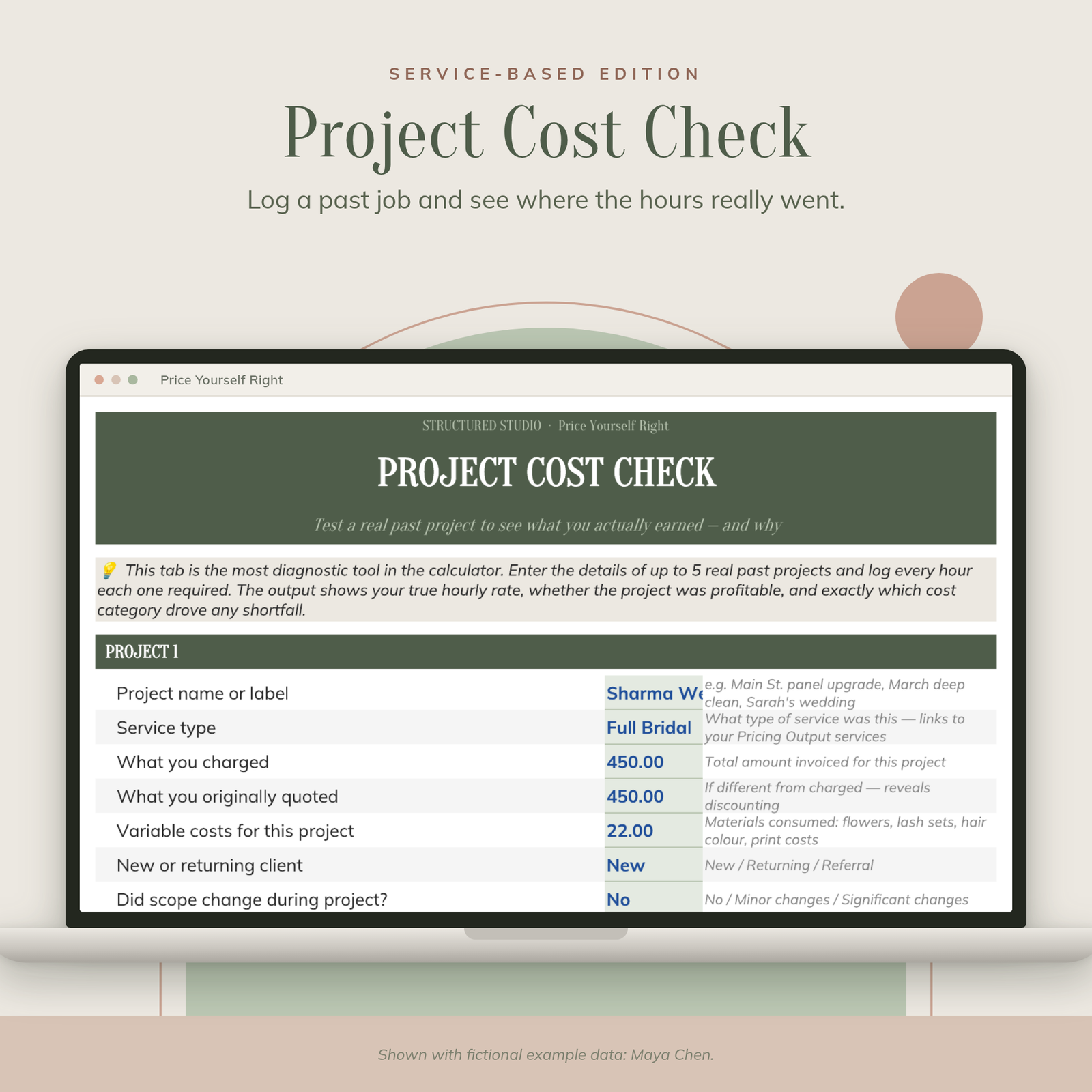
From there you can price up to five services and compare them with local rates you look up yourself; we don’t supply market figures, because they vary too much by trade and region. The Project Cost Check tab looks back at up to five past jobs and shows where unplanned time went: communication, revisions, travel or preparation.
A quick-start route gets you to your minimum rate in four steps, and every other tab is optional for when you want to go further. If an input looks off, the calculator says so in plain language rather than returning a wrong number. You receive a blank copy and a filled-in example, a fictional bridal makeup artist, in both Excel and Google Sheets.
What’s included
- Price Yourself Right: Service-Based Edition v2.2, 10 tabs: Start Here, Categories, Fixed Costs, Income Target, Inventory, Category Summary, Available Hours, Market Benchmarking, Pricing Output and Project Cost Check
- Your minimum hourly rate, including business costs, slow months, and a tax and CPP set-aside
- Recommended prices for up to five services, compared with local rates you enter
- Project Cost Check for up to five past jobs
- 25 starter service categories, from trades and cleaning to salons and consulting, which you can edit
- Blank copy, plus a filled-in example: Maya Chen (a fictional bridal makeup artist)
- Excel and Google Sheets editions of each
- Getting Started PDF with your Google Sheets “Make a copy” and Excel download buttons
File formats and compatibility
- Microsoft Excel (.xlsx): Microsoft 365 / Excel 2019 or later, Windows or Mac, and Excel for the web. Formula cells are protected with no password (Review › Unprotect Sheet).
- Google Sheets: use the “Make a copy” buttons in the Getting Started PDF (free Google account).
- Not compatible with Apple Numbers or Pages.
- Amounts in Canadian dollars by default; the currency symbol can be changed. Prices are entered before GST/HST. A planning tool, not tax, legal or accounting advice. For use in your own business; not for resale or sharing.